3 Desk Upgrades That Instantly Fix Your Work-From-Home Posture
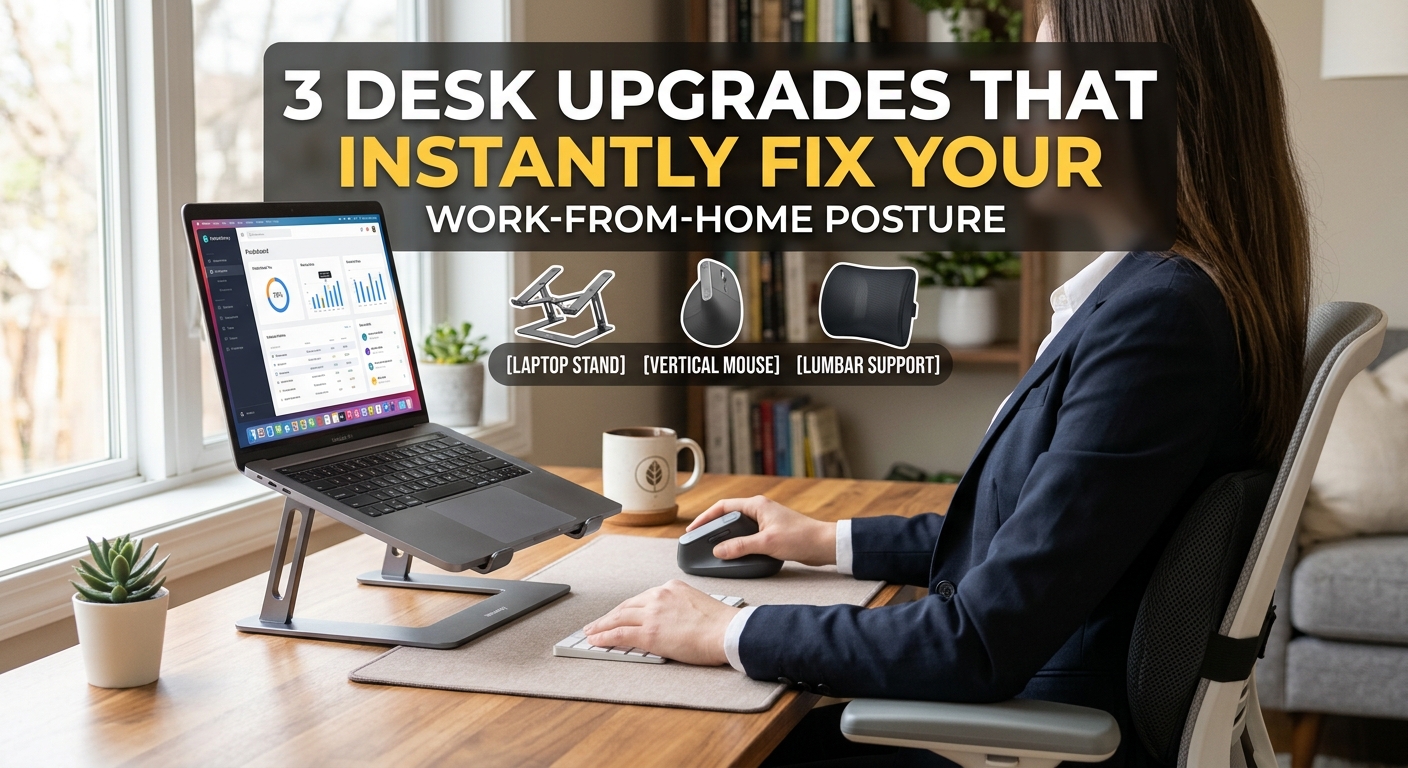
3 Desk Upgrades That Instantly Fix Your Work-From-Home Posture
Working from a kitchen chair or staring down at a laptop screen all day is the fastest way to end up with neck tension and lower back pain. You do not need to buy a $1,200 ergonomic chair to fix your setup—a few targeted adjustments to screen height and wrist alignment make the biggest difference.
Here are three straightforward desk upgrades that solve the most common home-office pain points.
1. Best for Neck Strain: Nulaxy Laptop Stand
Why it works: Raising your laptop screen to eye level stops you from hunching forward. This aluminum stand elevates your screen by up to 6 inches and leaves open space underneath to tuck away your keyboard when you are done for the day.
Pros: Solid aluminum build, supports laptops up to 17 inches, improves airflow to prevent overheating.
Cons: Fixed height (not adjustable on the fly).
2. Best for Wrist Comfort: Logitech MX Vertical Wireless Mouse
Why it works: Standard mice force your forearm into an unnatural twist. A vertical mouse places your hand in a neutral "handshake" position, reducing muscle strain in your wrist and forearm during long work sessions.
Pros: 57-degree ergonomic angle, connects via Bluetooth or USB receiver, rechargeable battery lasts months.
Cons: Takes about two days of regular use to build muscle memory.
3. Best for Lower Back Support: Everlasting Comfort Lumbar Pillow
Why it works: If you are stuck with a basic office or dining chair, adding memory foam lumbar support fills the gap between your lower back and the backrest, keeping your spine aligned naturally.
Pros: High-density memory foam, dual adjustable straps fit almost any chair, breathable mesh cover.
Cons: Can feel slightly firm during the first week before the foam breaks in.